
Stream system audio
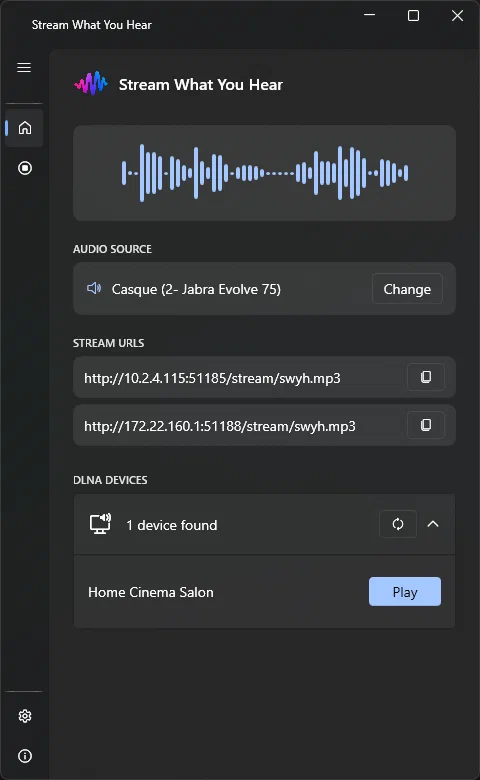
Capture the audio currently playing on your Windows PC using the selected audio source.
Features
SWYH focuses on one thing: getting the audio playing on your PC onto another device.
Capture the audio currently playing on your Windows PC using the selected audio source.
Discover compatible UPnP/DLNA Media Renderers on your local network and start streaming directly from SWYH.
SWYH exposes direct stream URLs that can be opened by compatible media players and devices.
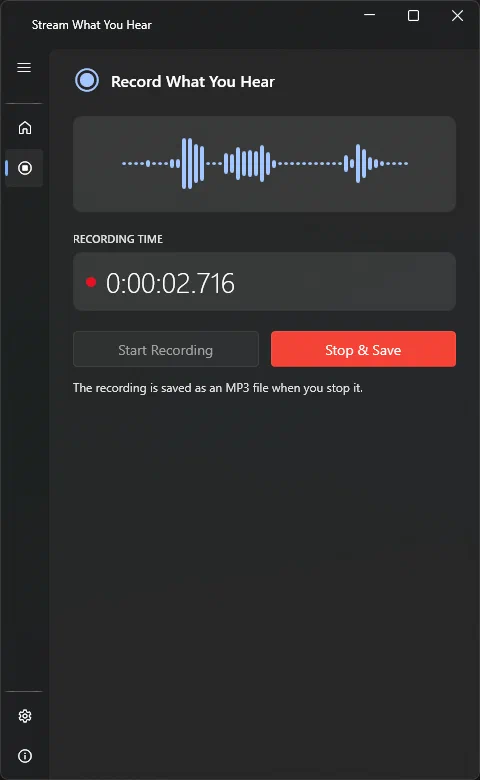
Save the audio playing on your PC directly to an MP3 file, with live level monitoring and recording duration.
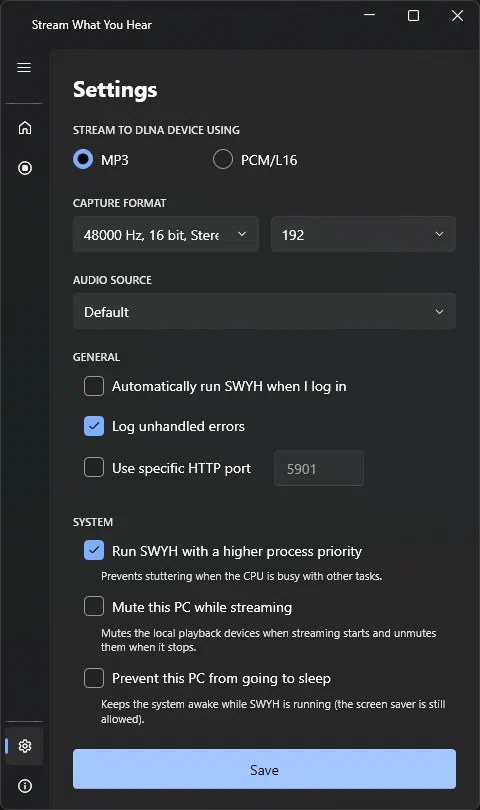
Stream using MP3 or uncompressed PCM/L16 depending on the capabilities of your playback device.
Know your device
Can be discovered and remotely controlled by SWYH.
Start playback from your PCCan consume the SWYH stream but playback must be started from the device itself.
Open a stream URL on your deviceLet your audio travel